
podman machine
-
Podman 6: New Dual-Purpose MSI Installer Explained
Read more: Podman 6: New Dual-Purpose MSI Installer ExplainedPodman 6 introduces a revamped Windows installer, allowing users to install without administrative privileges, simplifying enterprise usage. The transition to a Dual-Purpose MSI package improves reliability by separating virtualization setup from the installer. Additionally, compatibility with community package managers like Scoop and Chocolatey enhances user experience. Feedback is encouraged for further improvements.
-
Hyper-V Machines for Unprivileged Users
Read more: Hyper-V Machines for Unprivileged UsersFor Windows users on Hyper-V, certain common tasks, such as machine creation and removal, required a trip to the IT help desk for administrative approval. With the upcoming release of Podman 6, we are breaking down this barrier. After an initial setup performed by an admin, it will be possible to manage Hyper-V-based Podman machines…
-
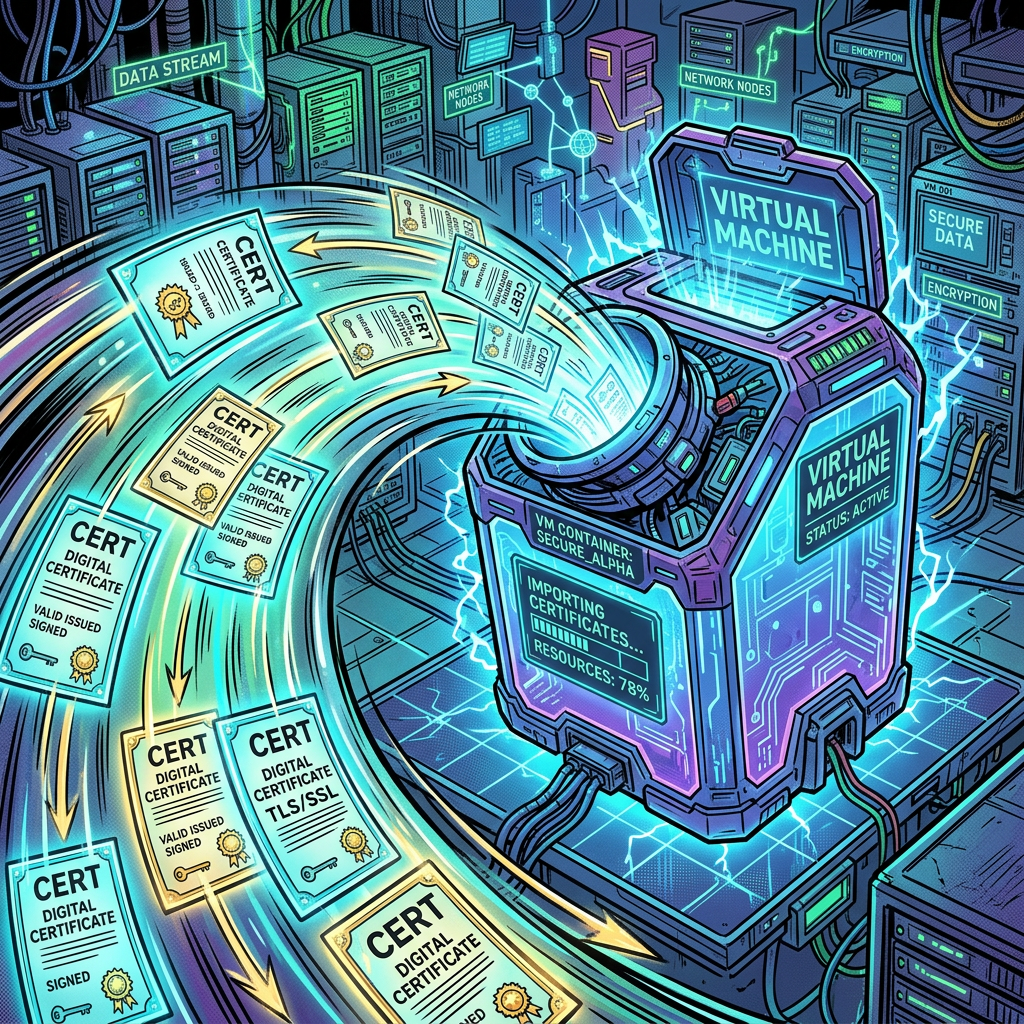
Automatic CA Certificate Import in Podman 6
Read more: Automatic CA Certificate Import in Podman 6With the release of Podman 6.0, an improvement for enterprise users and developers behind corporate proxies is the new automatic import of host certificates for the Podman machine.
-
Customize your Podman Machine with Ansible Playbooks
Read more: Customize your Podman Machine with Ansible PlaybooksWith the release of Podman 5.4, Podman Machine introduces a new option called –playbook for the podman machine init command. With –playbook, you can take advantage of Ansible Playbooks to customize your Podman Machines when they boot for the first time. Virtual Machine customization prior to 5.4 Leading up to the release of Podman 5.4,…
-

Support for Dev Containers Features on macOS and Windows
Read more: Support for Dev Containers Features on macOS and WindowsLast month, we improved the support of Podman for Dev Containers on Windows. Dev Containers is a popular specification for containerized developments that is becoming a standard. In this blog post, we review the concept of “Feature” in Dev Containers and how Podman currently supports it on different OSes.
-

Podman 5.2 release and it brings friends along too
Read more: Podman 5.2 release and it brings friends along tooThe Podman upstream team has just released Podman 5.2. To quote Matt Heon’s email: Podman v5.2.0 has just been released. This release is the first one with full support for libkrun, allowing GPUs to be mounted into our VMs on MacOS to accelerate AI workloads, which I know has been much anticipated. Otherwise, this has…
-
Podman and Libkrun
Read more: Podman and LibkrunPodman machine’s primary virtualization driver is referred to as a “provider”. In April 2024, I added support for the krun as a provider for MacOS. We made little mention of the addition, because we also needed to tidy up items like regression testing, testing environments, and details around support. But as we near completion of…
-

The new Hyper-V option in Podman Windows Installer
Read more: The new Hyper-V option in Podman Windows InstallerThe Podman team introduced the support for Hyper-V with Podman version 4.8. With version 5.1, we updated the Podman Windows installer to allow Hyper-V configuration at installation time. This blog post will explain what this means and how to use it.
-

Podman machine for Microsoft HyperV – Step 1
Read more: Podman machine for Microsoft HyperV – Step 1In an earlier post, I talked about work that I was starting for Podman machine and its use of Microsoft HyperV. I’m pleased that my first pull request for that enablement was recently merged into Podman. At this point, it is really just about the basics of machine like: creation, removal, start, and stop. >…
-
Troubleshooting Podman Machine
Read more: Troubleshooting Podman MachinePodman runs Linux containers, which depend on a Linux operating system. This means that if a user is on a Mac or Windows, Podman needs to run inside a VM. Most of the time, a standard install of Podman machine just works out of the box. However, when something goes wrong, the complexity of the…
Subscribe
Sign up with your email address to receive updates by email from this website.


Latest news
- Rootless Podman: Preserving Source IPs
- Podman 6.1.0: Volume Renaming, Machine Restarts, and a Long List of Bug Fixes
- Podman Container Tools Grows
- Podman 6: New Dual-Purpose MSI Installer Explained
- Hyper-V Machines for Unprivileged Users
Categories
- Advanced (11)
- Announcement (33)
- Articles (8)
- Blog (28)
- Buildah (5)
- Community (7)
- New Feature (16)
- Newcomer (23)
- Podman (29)
- Podman Desktop (3)
- Releases (7)
- Skopeo (4)
- Tips and Tricks (20)
- Tutorials (3)
- Uncategorized (15)