
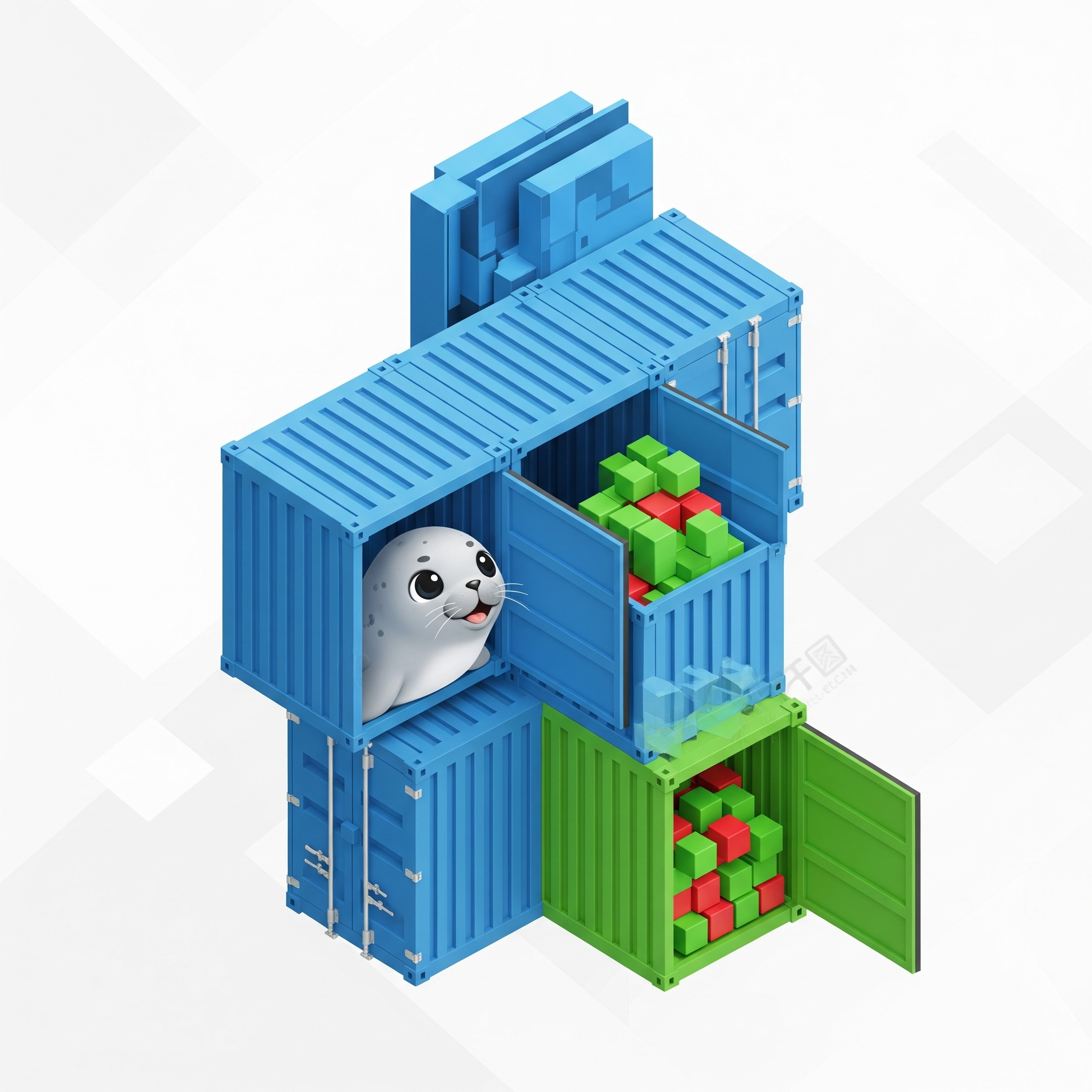
Managing containers on Linux with Podman just got a new feature. If you’ve ever felt caught between running simple podman run commands and wrangling complex orchestration platforms like Kubernetes, you’re in for a treat. The latest version of Podman brings Quadlet management directly into its core with the new podman quadlet command suite, creating a seamless and powerful workflow for developers and sysadmins alike.
While Quadlets have existed for a while as a powerful tool for declarative container management, this new integration makes them more accessible and unified than ever before. Let’s dive into what this means for you.
So, What Exactly Are Quadlets?
Think of Quadlets as “recipes” for your containers, written in a declarative style that systemd—the standard Linux init system—can understand and manage. They provide a perfect middle ground for container orchestration.
With Quadlets, you can:
- Define container setups declaratively in simple .container, .pod, .volume, or .network files.
- Leverage systemd’s powerful process management for automatic startups, restarts, and lifecycle control.
- Achieve deep integration with the host operating system’s logging and service management.
- Simplify deployments without the overhead of a full orchestration platform.
The Integrated podman quadlet Command Suite
Previously, working with Quadlets involved manual file placement and direct interaction with systemd. Now, it’s all unified under the podman command you already know and love. This integration provides a comprehensive set of subcommands to handle the entire Quadlet lifecycle.
Key Subcommands
podman quadlet install
Install Quadlet files from local paths, directories, or even directly from a URL.
# Install from a local file
podman quadlet install /path/to/myapp.container

# Install from a URL on GitHub
podman quadlet install https://github.com/example/app/raw/main/app.container

# Install an entire application directory
podman quadlet install /path/to/app-directory/
podman quadlet list
Get a clean overview of all your installed Quadlets with powerful filtering and formatting options.
# List all installed Quadlets
podman quadlet list

# Filter by a name pattern
podman quadlet list --filter name=web*

# Customize the output format
podman quadlet list --format '{{.Name}}\t{{.Status}}'

# Get JSON output for easy scripting
podman quadlet list --format json
podman quadlet print
Need to check the configuration of an installed Quadlet? This command displays its contents.
podman quadlet print myapp.containerpodman quadlet rm
Cleanly remove Quadlets with flexible and safe options.
# Remove a specific Quadlet
podman quadlet rm myapp.container

# Nuke them all
podman quadlet rm --all

# Remove a file but don't error if it's already gone
podman quadlet rm --ignore non-existent.container
Game-Changing Features You’ll Love
This integration isn’t just about convenience; it introduces some truly revolutionary features.
* URL-based Installation: Share and distribute container configurations effortlessly. Just point podman quadlet install to a URL, and you’re good to go.
* Application Grouping: When you install multiple Quadlets from a single directory, Podman treats them as one cohesive application. If you remove one component, the entire application is cleanly uninstalled, preventing orphaned containers or volumes.
* Automatic systemd Integration: The –reload-systemd option is on by default, meaning systemd is automatically aware of any changes you make. Your services are ready to be started the moment you install them.
* Filtering: Easily manage large-scale deployments by filtering the Quadlet list based on names, status, or other criteria.
* Flexible Output Formatting: With support for JSON and Go templates, you can seamlessly integrate Quadlet management into your automation scripts and CI/CD pipelines.
Putting It All Together: A Real-World Example
Let’s see how easy it is to manage a simple web application using this new workflow.
# 1. Install a web application directly from its Git repository
podman quadlet install https://raw.githubusercontent.com/example/webapp/main/app.container

# 2. List installed Quadlets to verify it's there
podman quadlet list

# 3. Check the configuration details
podman quadlet print app.container

# 4. Start the service using standard systemd commands
systemctl --user start app.service

# 5. When you're done, remove it cleanly
podman quadlet rm app.container
How does this benefit users ?
Bringing Quadlet management directly into Podman is a significant step forward for systematic and accessible container management. It closes the gap by offering:
- A Unified Workflow: No more context-switching. Everything you need is under the podman command.
- Simplified Deployments: Forget memorizing complex podman run flags. Define it once in a Quadlet file and reuse it everywhere.
- Version Control Friendly: Since Quadlets are just text files, you can track them in Git, review changes, and collaborate with your team.
- Native System Integration: Get all the benefits of systemd—logging, monitoring, and robust service management—out of the box.
- Scalable Management: Grouping related containers as a single application makes managing microservices a breeze.
- A Lower Learning Curve: If you know Podman, you can adopt Quadlets immediately without learning an entirely new toolchain.
Get Started in Minutes
Ready to give it a try? Make sure you have the latest version of Podman installed. Then, create your first Quadlet file.
Save the following as web.container in a TOML file
[Container]
Image=docker.io/library/nginx:alpine
Exec=nginx -g "daemon off;"
PublishPort=8080:80

[Service]
Restart=always

[Install]
WantedBy=default.target
Now, install and run it:
podman quadlet install web.container
systemctl --user start web.service
And that’s it! You now have an Nginx container running as a systemd service.
The integration of Quadlet management into the podman command makes declarative container capabilities more accessible and intuitive than ever. It’s the perfect blend of simplicity and power for modern container workloads on Linux.
What’s Next?
Exciting new features are also being worked on for Quadlet and the new podman quadlet commands. We are aiming to add support in Quadlet for the remote Podman client, which will allow for the integration of Quadlets into Podman Desktop, and a key area of focus in the near future is on improved documentation, making it easier for users to understand and utilize Quadlets effectively. Finally, Quadlets are continually being improved, you can look forward to these new features and other changes in Podman 5.7 and beyond!
Ready to dive deeper? Check out the official Podman documentation for more details and advanced examples.
Special thanks to my colleague, Matthew Heon, for his valuable contributions and co‑authoring this post.
Authors: Aditya R , Matthew Heon


Leave a Reply to AdityaCancel reply