
Mario Loriedo
-
Podman 6: New Dual-Purpose MSI Installer Explained
Read more: Podman 6: New Dual-Purpose MSI Installer ExplainedPodman 6 introduces a revamped Windows installer, allowing users to install without administrative privileges, simplifying enterprise usage. The transition to a Dual-Purpose MSI package improves reliability by separating virtualization setup from the installer. Additionally, compatibility with community package managers like Scoop and Chocolatey enhances user experience. Feedback is encouraged for further improvements.
-
Hyper-V Machines for Unprivileged Users
Read more: Hyper-V Machines for Unprivileged UsersFor Windows users on Hyper-V, certain common tasks, such as machine creation and removal, required a trip to the IT help desk for administrative approval. With the upcoming release of Podman 6, we are breaking down this barrier. After an initial setup performed by an admin, it will be possible to manage Hyper-V-based Podman machines…
-
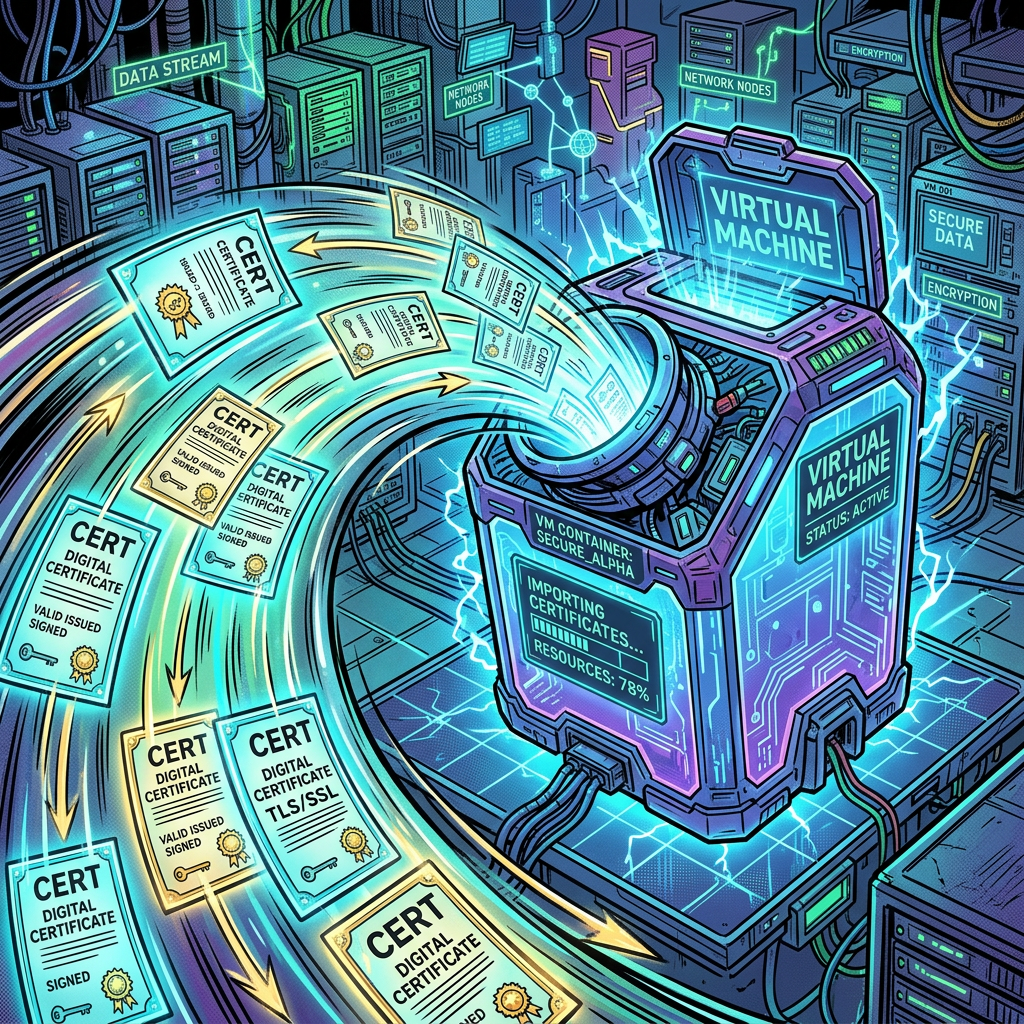
Automatic CA Certificate Import in Podman 6
Read more: Automatic CA Certificate Import in Podman 6With the release of Podman 6.0, an improvement for enterprise users and developers behind corporate proxies is the new automatic import of host certificates for the Podman machine.
-

Managing Containers with the Model Context Protocol
Read more: Managing Containers with the Model Context ProtocolThe Model Context Protocol (MCP) is gaining significant traction in AI. This protocol, supported by most large language model (LLM) providers, enhances an LLM’s capabilities, allowing it to manage resources like your laptop’s filesystem, AWS services, and most importantly for this discussion, containers. MCP uses a client-server architecture. The local MCP client connects an LLM…
-

Support for Dev Containers Features on macOS and Windows
Read more: Support for Dev Containers Features on macOS and WindowsLast month, we improved the support of Podman for Dev Containers on Windows. Dev Containers is a popular specification for containerized developments that is becoming a standard. In this blog post, we review the concept of “Feature” in Dev Containers and how Podman currently supports it on different OSes.
-

The new Hyper-V option in Podman Windows Installer
Read more: The new Hyper-V option in Podman Windows InstallerThe Podman team introduced the support for Hyper-V with Podman version 4.8. With version 5.1, we updated the Podman Windows installer to allow Hyper-V configuration at installation time. This blog post will explain what this means and how to use it.
Subscribe
Sign up with your email address to receive updates by email from this website.


Latest news
- Podman 6: New Dual-Purpose MSI Installer Explained
- Hyper-V Machines for Unprivileged Users
- Automatic CA Certificate Import in Podman 6
- Introducing Podman v6.0.0
- Podman 6 Configuration File Changes
Categories
- Advanced (11)
- Announcement (32)
- Articles (7)
- Blog (26)
- Buildah (4)
- Community (7)
- New Feature (15)
- Newcomer (23)
- Podman (27)
- Podman Desktop (2)
- Releases (6)
- Skopeo (4)
- Tips and Tricks (19)
- Tutorials (3)
- Uncategorized (14)